
How to log in to your WordPress admin area on Webcentral Managed WordPress
Learn how to log in to your WordPress admin area on a Webcentral Managed WordPress hosting plan.
When you are in the Webcentral Dashboard, you can log in to a WordPress website’s admin area directly. To do this, follow these steps:
- Log in to the Webcentral Panel at https://theconsole.webcentral.au/
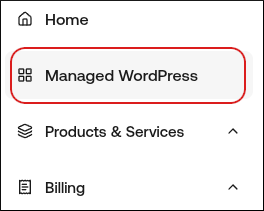
- In the left sidebar, click Managed WordPress:
- On the My Websites page, locate the site, and then click Manage:

- At the top right of the page, click WP Admin:

Updated 4 months ago