
How to find and restore automated backups on Webcentral Managed WordPress
Learn how to locate and restore an automated backup of your site on the Webcentral Managed WordPress Dashboard.
Webcentral Managed WordPress creates daily automated backups of your sites. To restore one of these backups, follow these steps:
- Log in to the Webcentral Panel at https://theconsole.webcentral.au/
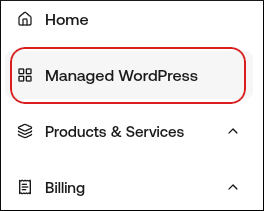
- In the left sidebar, click Managed WordPress:
- On the My Websites page, locate the site, and then click Manage

- On the Webcentral dashboard, click the Backups icon:

- In the Automated Backups section, a list of your automated backups. To restore one of these backups, click Restore.