
How to install a new WordPress theme on Webcentral Managed WordPress
Learn how to install a new WordPress theme on a Webcentral Managed WordPress hosting plan.
If you’re interested in changing your website’s look and feel, it's easy to install a new theme in WordPress. You can use the WordPress admin interface, or the Webcentral Dashboard.
Method #1: Use the Webcentral Dashboard
To install a theme using the Webcentral Dashboard, follow these steps:
- Log in to the Webbcentral Panel at https://theconsole.webcentral.au/
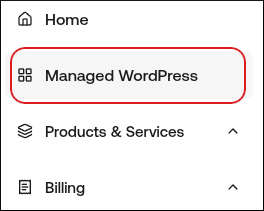
- In the left sidebar, click Managed WordPress:
- On the My Websites page, locate the site, and then click Manage:

- On the Webcentral dashboard, click the Themes icon:
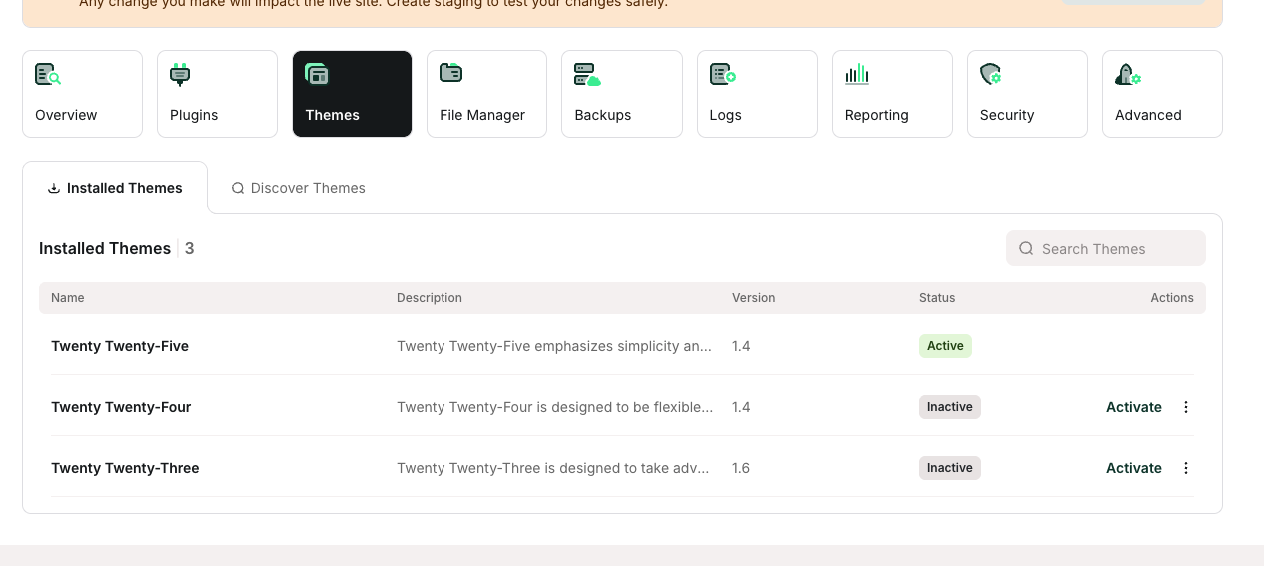
- Click the Discover Themes tab.
- In the Search Themes text box, type the name of the theme you want to install.
- In the search results, locate the theme you want to install, and then click Install.