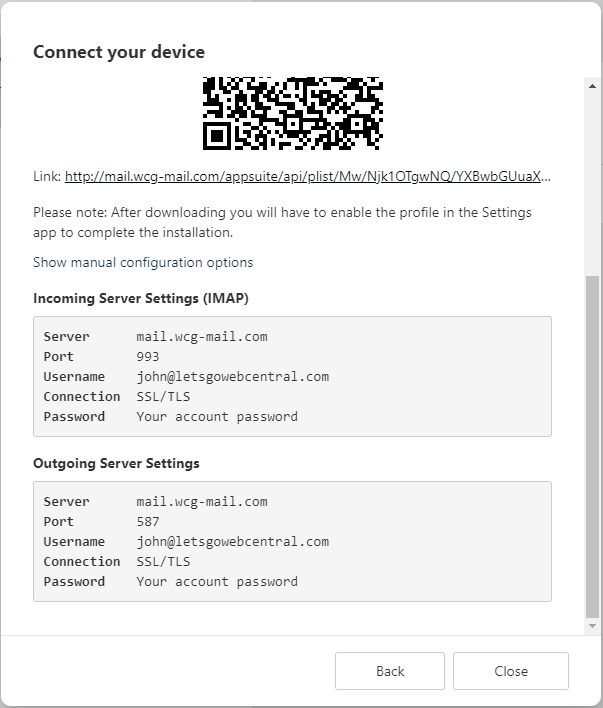
Incoming Server Settings
Outgoing Server Settings
When adding your email account to your device, you may need to manually set it up. You can find your OX Email server settings by following the below steps:
- Log in to OX Email
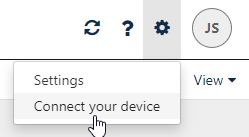
- Click the menu

- Click Connect your device
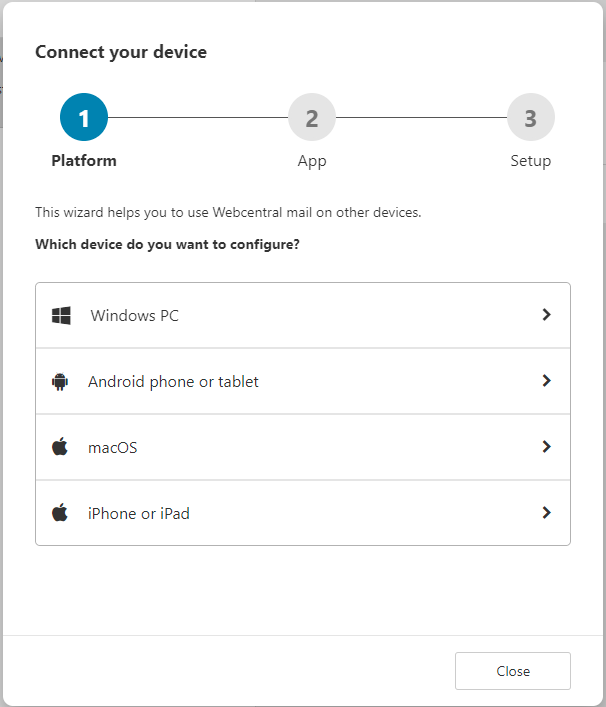
- Click the device you are adding your email to
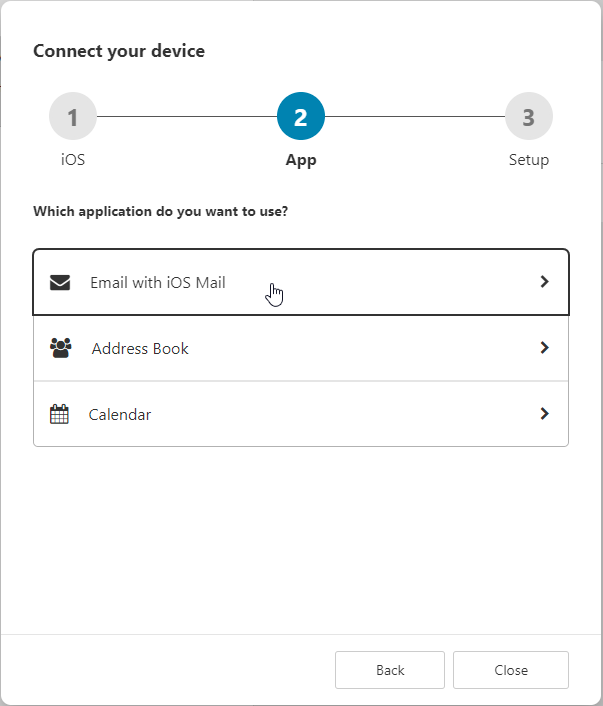
- Click the email option
- You may need to click Show manual configuration options
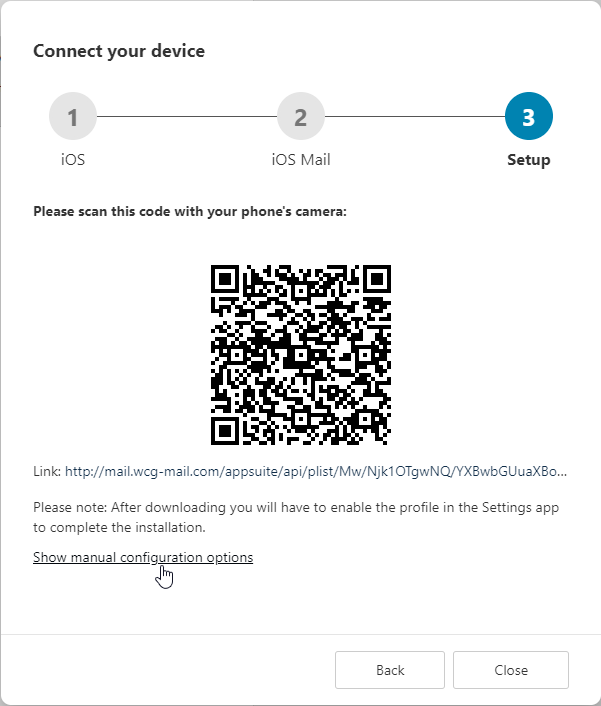
- You can now see your email settings