1. Log in to Enhance Control Panel
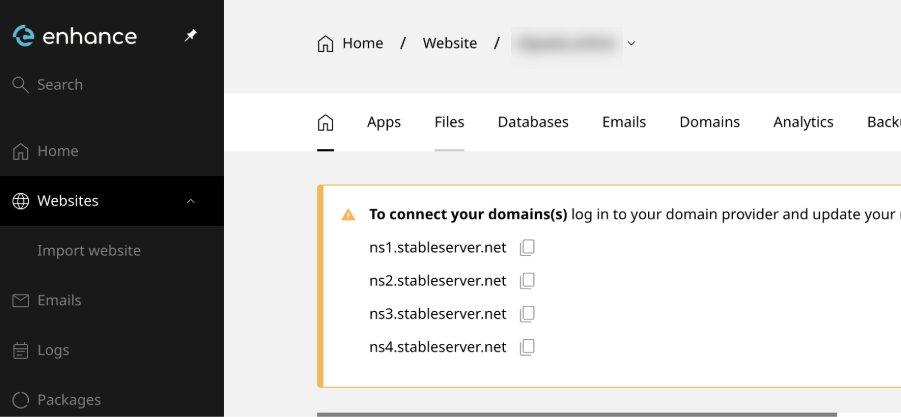
- Navigate to Websites.
- Click on the desired domain name.
2. Upload Your Application Files
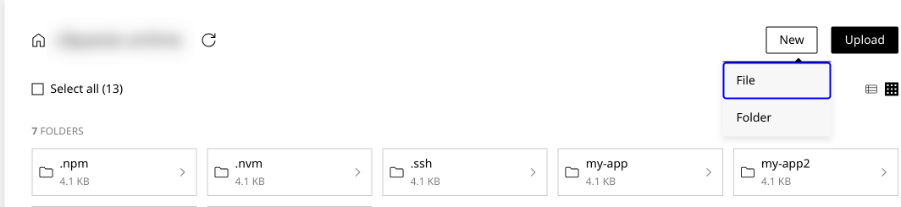
- Go to Files.
- In your home directory, create a folder called:
- Upload your application files into this folder.
 index.js
3. Connect via SSH
If you don’t know the SSH password, you can reset it:- In Enhance CP, go to:
- Websites
- Select your domain
- Advanced
- Developer Tools
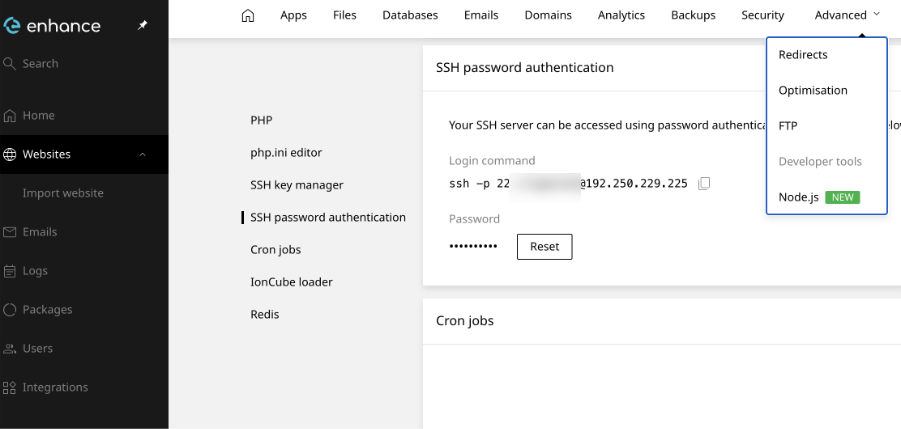
- Scroll down to SSH Password Authentication.
- Click Reset and set a new password.
4. Deploy the Application
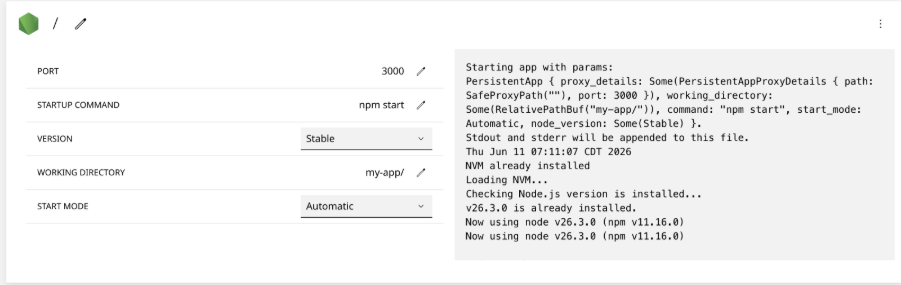
Return to the Enhance Control Panel and deploy the application using the Deploy Node.js tool.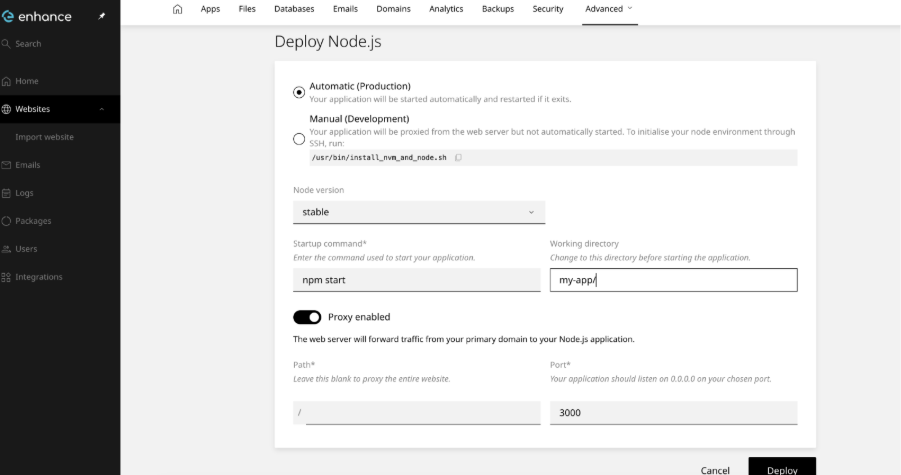 Configure the deployment according to the deployment screen and point it to your
 my-app directory.
5. Install Dependencies
After the deployment has been created, return to your SSH session and run: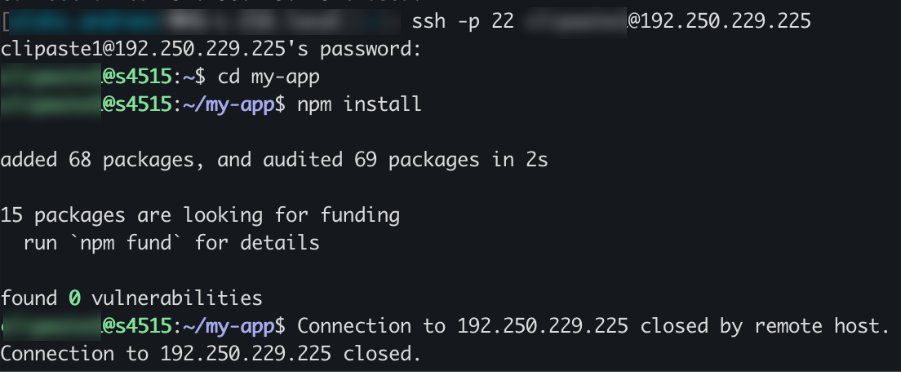 Your Node.js application should now be successfully deployed on Enhance