

- Locate your site URL on the Webcentral Dashboard:
- Log in to the Hosting Panel at https://theconsole.webcentral.au/
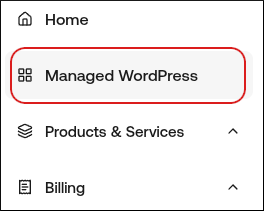
- In the left sidebar, click Managed WordPress:
- On the My Websites page, locate the site, and then click Manage:

- The site URL appears at the top of the page (for example, abc123.onrocket.site).
- Log in to your Namecheap account.
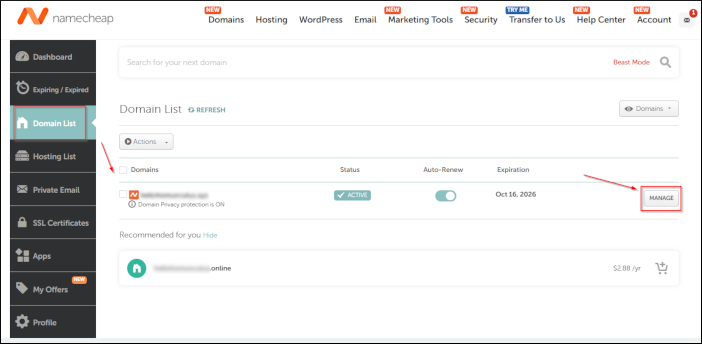
- In the left sidebar, click Domain List, locate your domain, and then click Manage:
- Go to the Advanced DNS tab at the top of the page, and then locate the Host Records section.
- Click Add New Record.
- In the Type list box, select A Record.
- In the Host text box, type @. (The @ symbol represents your bare apex domain, such as example.com).
- In the Value text box, type 104.19.154.92.
- If you’re also pointing the www subdomain (for example, www.example.com) to us, click Add New Record again and create a CNAME record for www.
- Click Save All Changes each time you need to save the record.