

- Log in to the Webcentral Panel at https://theconsole.webcentral.au/
- In the left sidebar, click Managed WordPress:
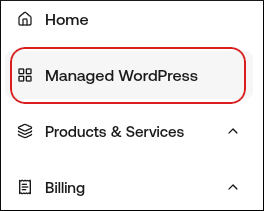
- On the My Websites page, locate the site, and then click Manage

- On the Webcentral dashboard, click the Backups icon:

- In the Automated Backups section, a list of your automated backups. To restore one of these backups, click Restore.