

- Log in to the Webcentral Panel at https://theconsole.webcentral.au/
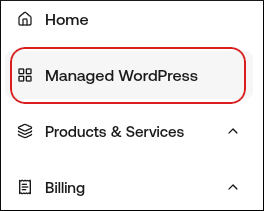
- In the left sidebar, click Managed WordPress:
- On the My Websites page, locate the site, and then click Manage

- On the Webcentral dashboard, click the Advanced icon:

- In the Advanced Settings section, in the PHP Version list box, select the PHP version you want to run for your site:

- After you change the PHP version, check your site to make sure that it still operates normally. If it doesn’t, make sure that the WordPress Core, WordPress theme, and all WordPress plugins are up to date, even if they are deactivated.