

- Log in to the Webcentral Panel at https://theconsole.webcentral.au/
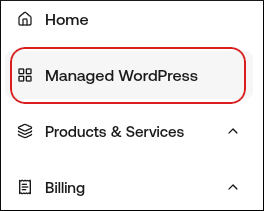
- In the left sidebar, click Managed WordPress:
- On the My Websites page, locate the site, and then click Manage

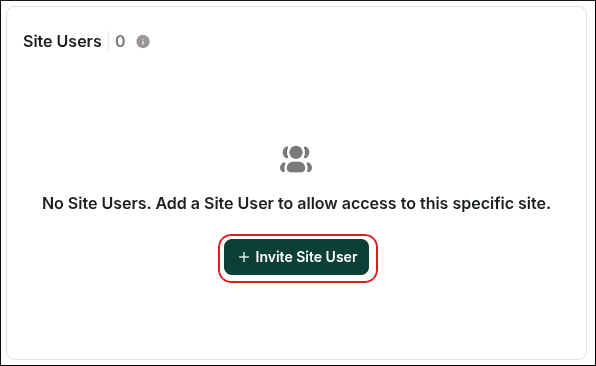
- On the Webcentral dashboard, on the Overview tab, scroll down to the Site Users section, and then click Invite Site User:
- In the First Name, Last Name, and Email text boxes, type the details for the user you want to invite:
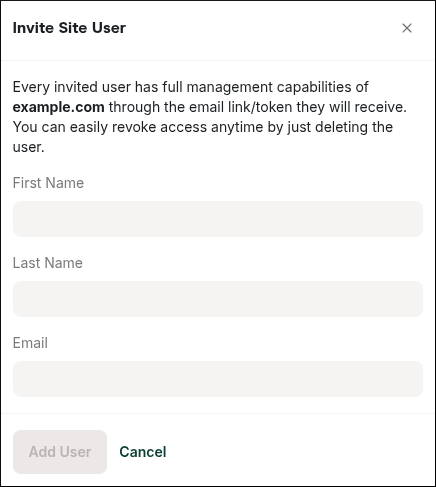
- Click Add User.
- Instruct the new user to check their email inbox:
- There will be two emails, both from invites@wpsitecontrol.com. The new user must open the Create wpsitecontrol.com account email first and click the provided link. They will be taken to wpsitecontrol.com where they can set their password.
- After they have set a password, the new user can go back to their email and click the link in the Start Managing email that was also sent. The user will be automatically logged into the site for the first time.