

- Log in to the Webcentral Panel at https://theconsole.webcentral.au/
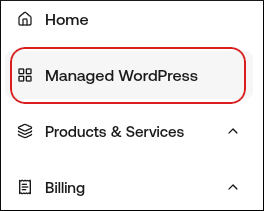
- In the left sidebar, click Managed WordPress:
- On the My Websites page, locate the site, and then click Manage

- At the top right of the page, click WP Admin:

- On the WordPress dashboard, in the left sidebar, click Settings, and then click General.
- In the Site Language list box, select the language you want to use for your WordPress installation.
- Scroll to the bottom of the page, and then click Save Changes. Your WordPress installation is now in the language that you selected.