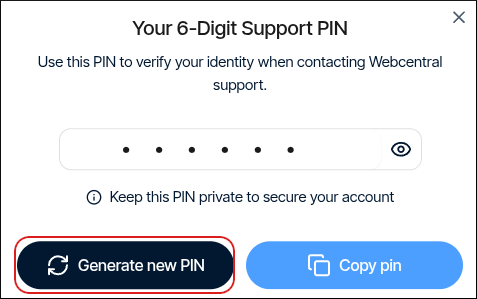
We may use the Support PIN in phone calls, online chats, tickets, or any time we need to confirm your identity.
- Log in to the Hosting Panel at https://theconsole.webcentral.au.
- At the top of the page, click Support PIN:
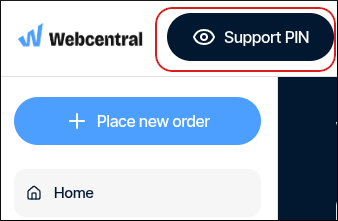 If you are using a mobile device, tap the settings icon:
 Then tap Support PIN.
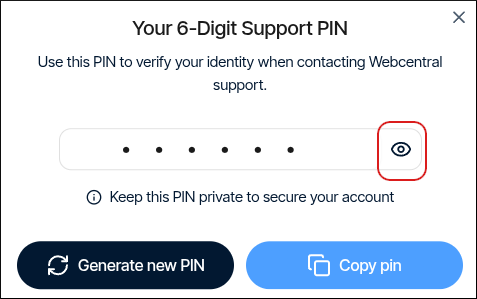
 - To view your support PIN, click the eye icon:
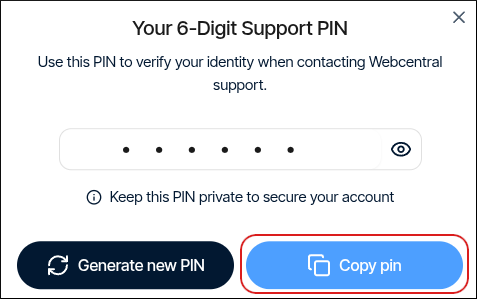
- To copy your support PIN to the clipboard so you can quickly paste it into a chat with us, click Copy pin:
- To generate a new support PIN, click Generate new PIN: