

- IMAP
- server: mail.wcg-mail.com
- port: 993 (SSL encryption)
- SMTP
- server: mail.wcg-mail.com
- port 587 - encryption STARTTLS
Add your email to Outlook
- Open Outlook
- Click File
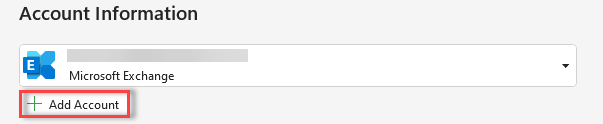
- Click +Add Account
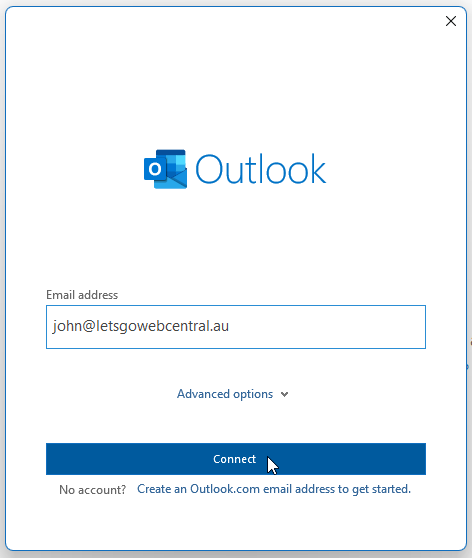
- Type in your email address and click Connect
- Select IMAP or POP
- Under Incoming mail, input the below settings
Port: 993
Encryption method: SSL/TLS
- Under Outgoing mail, input the below settings
Port: 587
Encryption method: STARTTLS
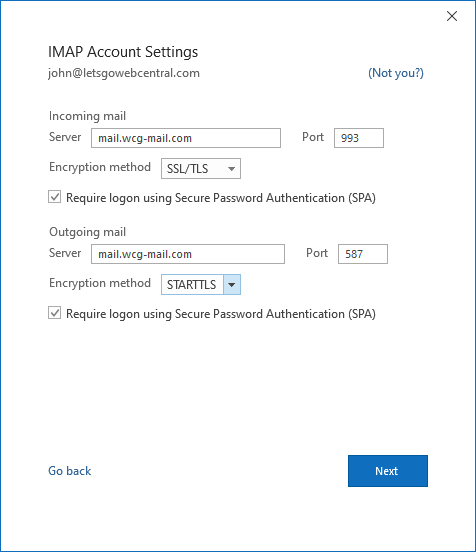
- Click Next
- Type in your password
- Click Connect