- Log in to cPanel
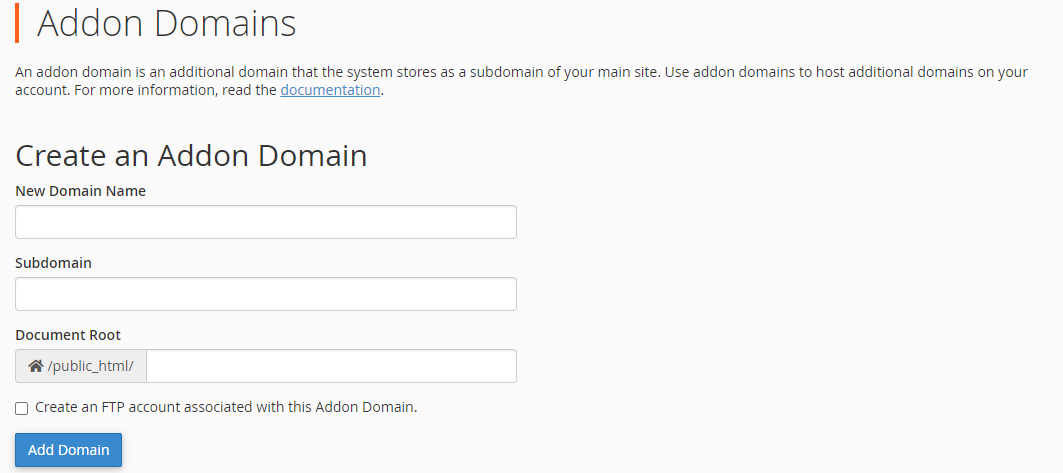
- Click Addon Domains

- Type in the domain you want to add
- If you want to create a subdomain straight away you can do this in the Subdomain field (you can always create a subdomain later).
- Click Add Domain
- You can manage your addon domain by going to the cPanel main menu and clicking Domains