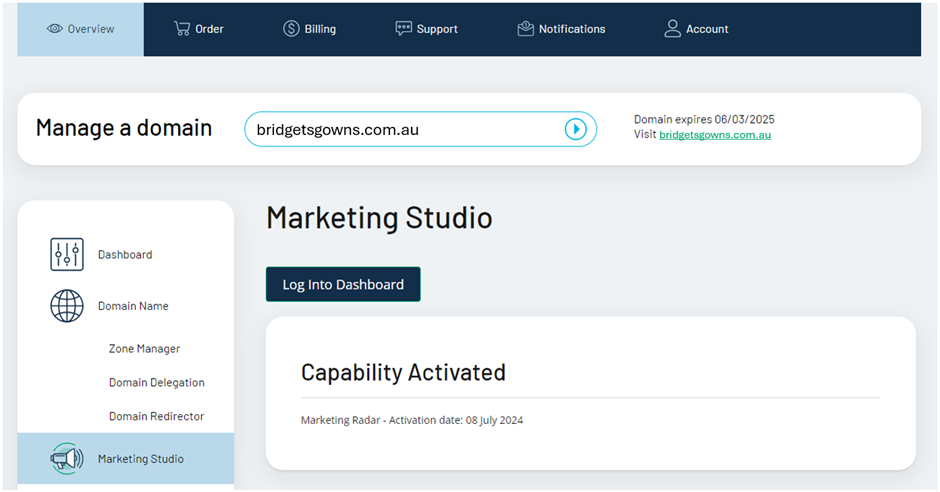
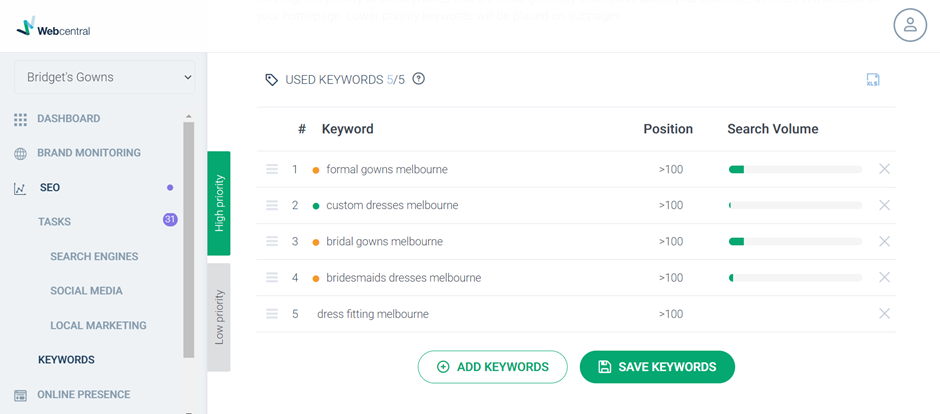
Step 2: Access SEO Keywords Click “SEO” in the left-hand menu and then click “Keywords”.
 Step 3: Add, remove, and re-arrange keywords
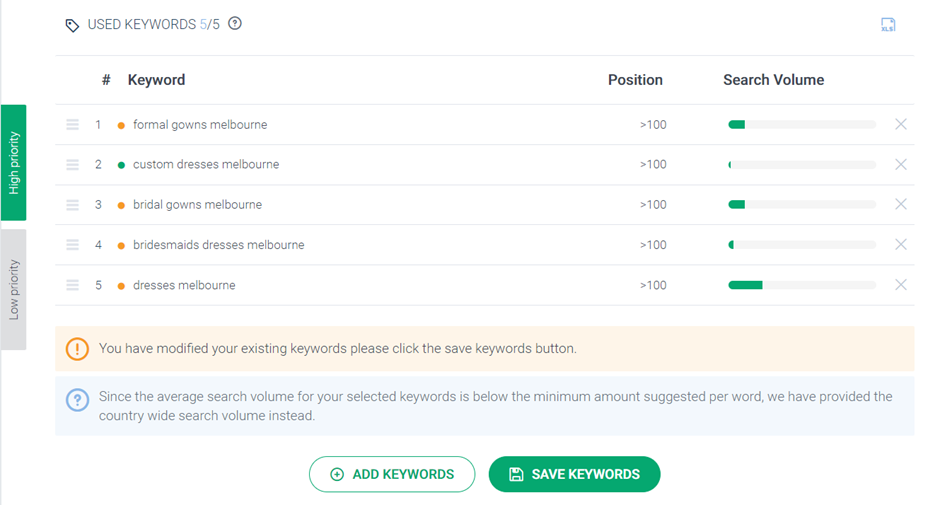
- Click the “X” to the right of any keywords to remove them
- Click “Add Keywords” to add new keywords to your list up until the maximum number of keywords for your subscription
- Click and hold the 3 lines to the left of any of the keywords to rearrange them so that the top 3 are your highest priority
- Don’t forget to click “Save Keywords” after you’re done editing.