- Purchase a cPanel, OX Mail or MS365 subscription service
- Create an email account and have your password on hand
- Have your Zone Records set up correctly, contact us if you need help ensuring these are up to date
- Ensure you have your incoming, outgoing settings ready to go. If you need these details, please find them here
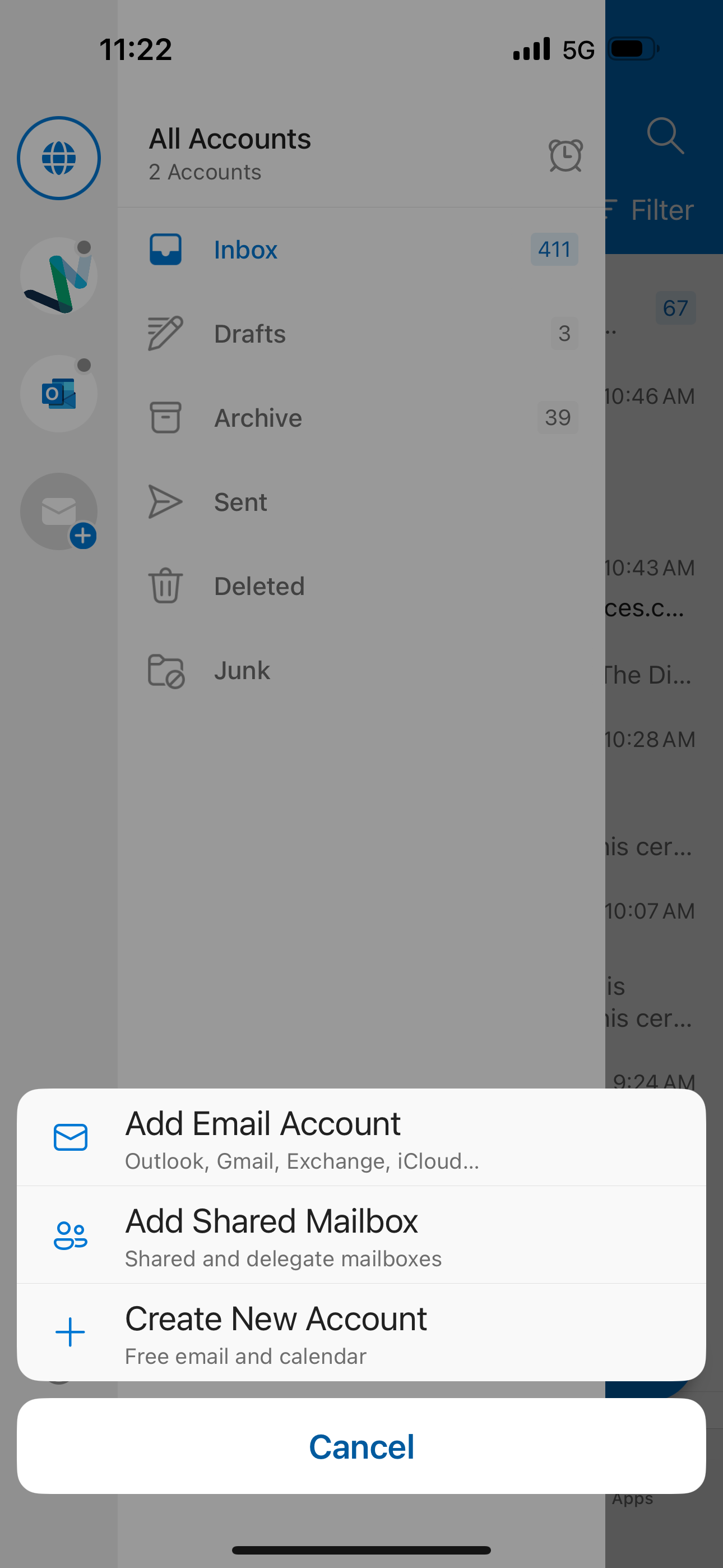
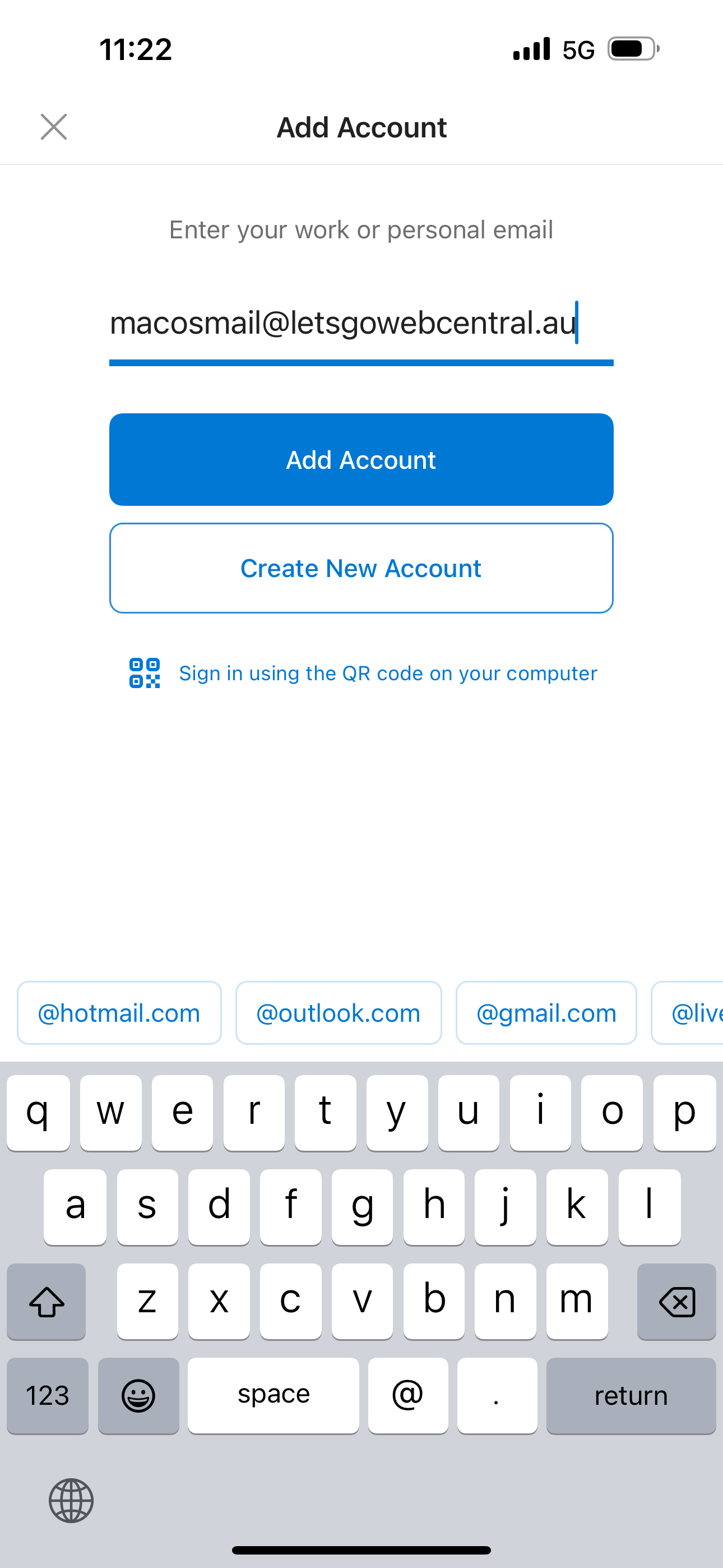
Step 2 Enter in your email address and tap Add Account
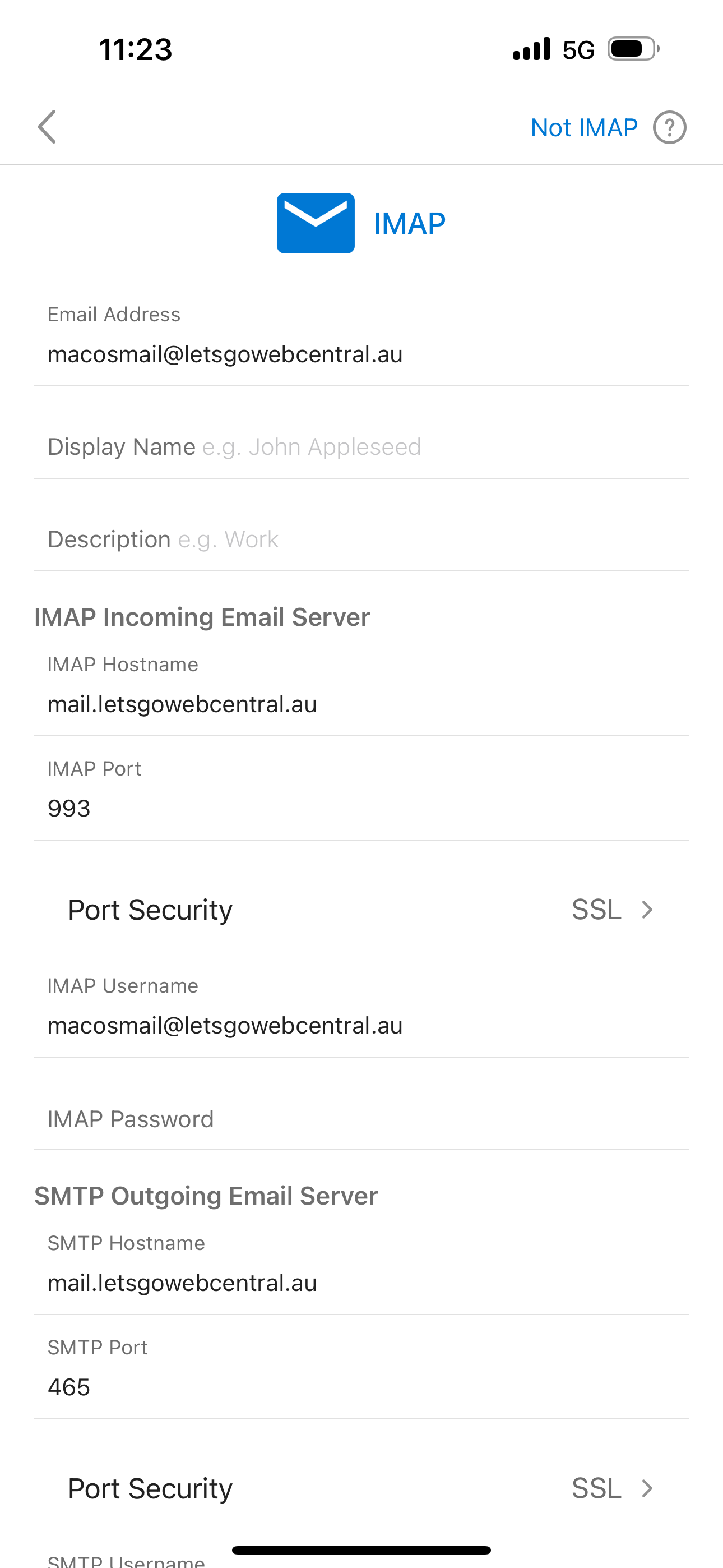
Step 3 Enter in the email settings specific for your email service
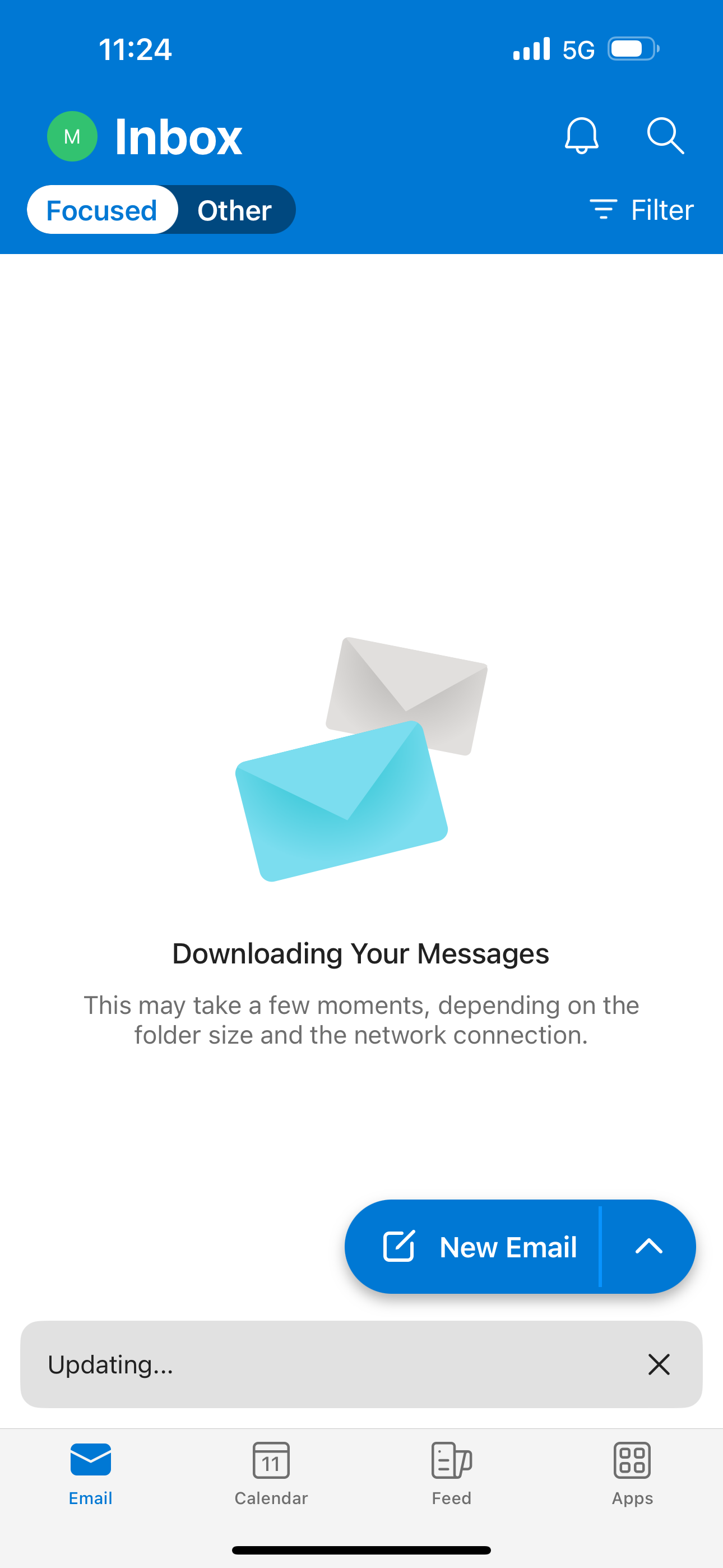
Step 4 Once the app has finished verifying your email account, it will start to download and sync your emails