

Updating or Changing registrant contact information
To change the registrant contact information for all .au TLDs, please see ‘How to request a Change of Registrant’. To change the registrant contact information for other TLDs, follow these steps:- Log in to the Hosting Panel at https://theconsole.webcentral.au.
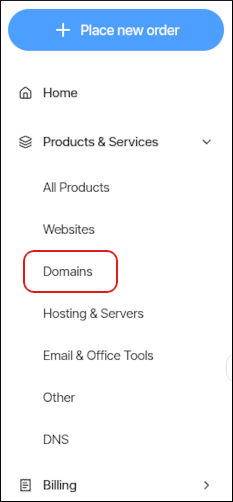
- In the left sidebar, under Products & Services, click Domains:
- On the Domains page, click the domain you want to configure.
Pro Tip - You can filter the list of domains to only display active, canceled, or all domains. To do this, click the Active, Cancelled, or All tab.
- Click Update Registrant:

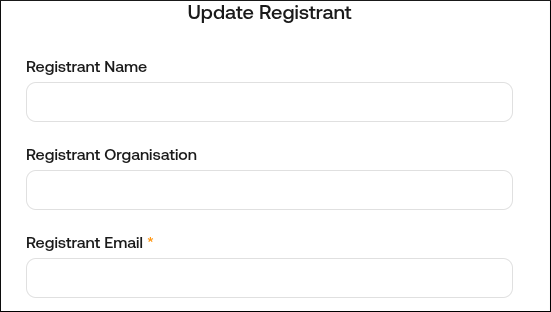
- In the Update Registrant dialog box, update the domain registrant contact information:
- Click Submit.
Remember: The registrant contact email is where the EPP code is sent to.