> ## Documentation Index
> Fetch the complete documentation index at: https://support.webcentral.au/llms.txt
> Use this file to discover all available pages before exploring further.
# How to Increase Email Storage in cPanel
To increase email storage for a mailbox in cPanel, please follow these steps:
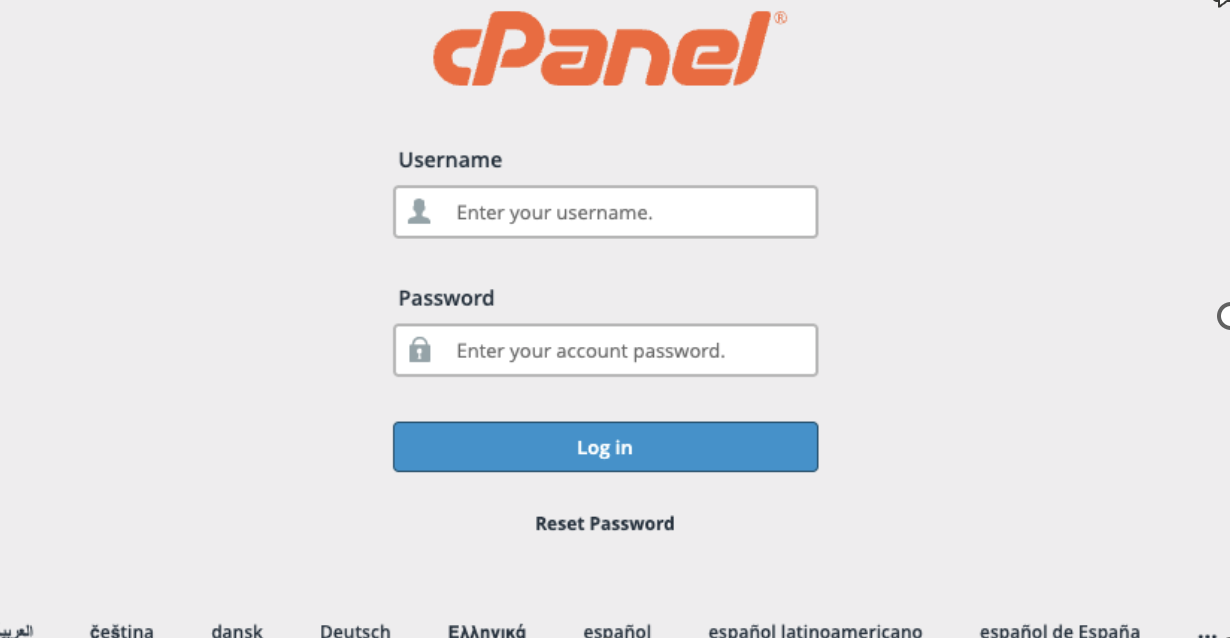
1. Login to cPanel
2. Go to Email accounts
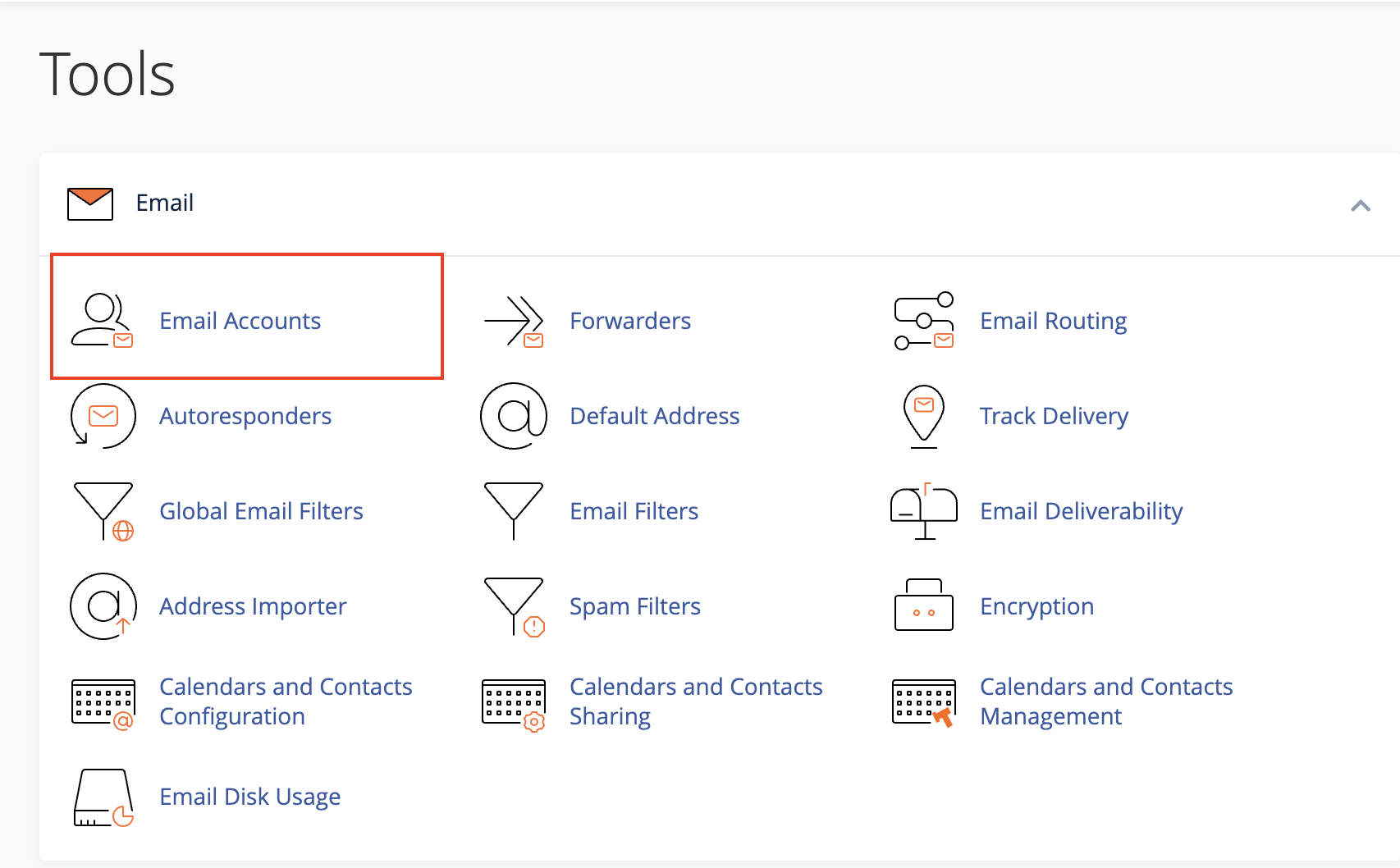
3. Click on Manage for the mailbox you would like to edit

4. Change the allocated storage for the mailbox
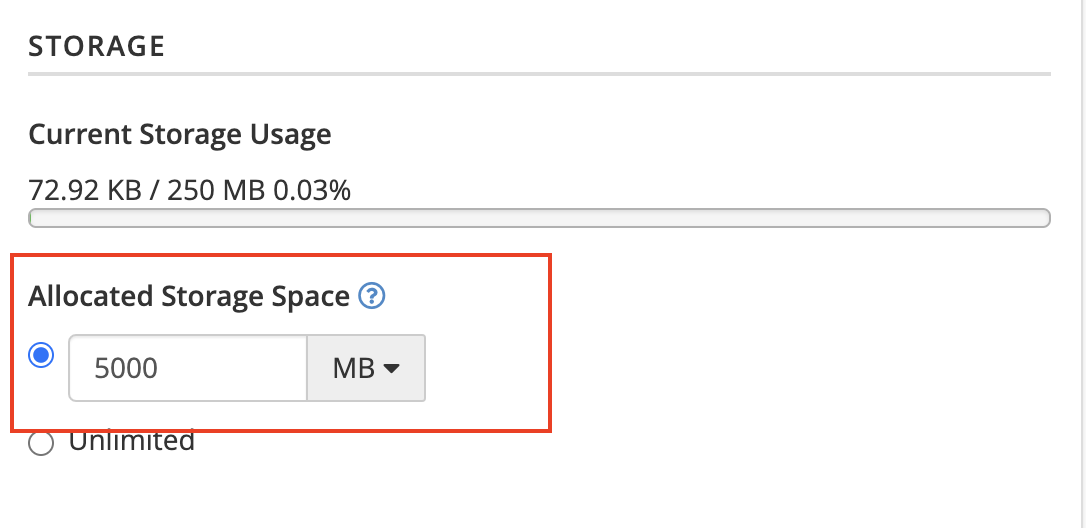
5. Update Email Settings

**Note**: The disk quota for a mailbox cannot exceed the total disk quota allocated to the hosting package. Please ensure the mailbox quota is within the limits of your package.